
A few schools request that staff members create their own accounts on MyConferenceTime. This is the least popular of the three methods of adding staff to MyConferenceTime.
For a staff member to add himself/herself to the school's MyConferenceTime account, the staff member uses the “request staff account” link found at the top of the website.
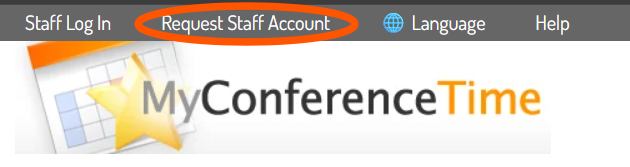
After clicking on Request Staff Account, the staff member fills in the required information.
When the staff member submits the form, the account admins receive notification that a new account has been created and requires admin approval. An admin needs to log in and approve the staff member prior to the staff member having access to staff-only features in order to prevent unauthorized users from seeing confidential student information.
Please note that many schools hide the Request Staff Account link for their account. This link can be shown or hidden by admins using Admin Options > Advanced Settings.